
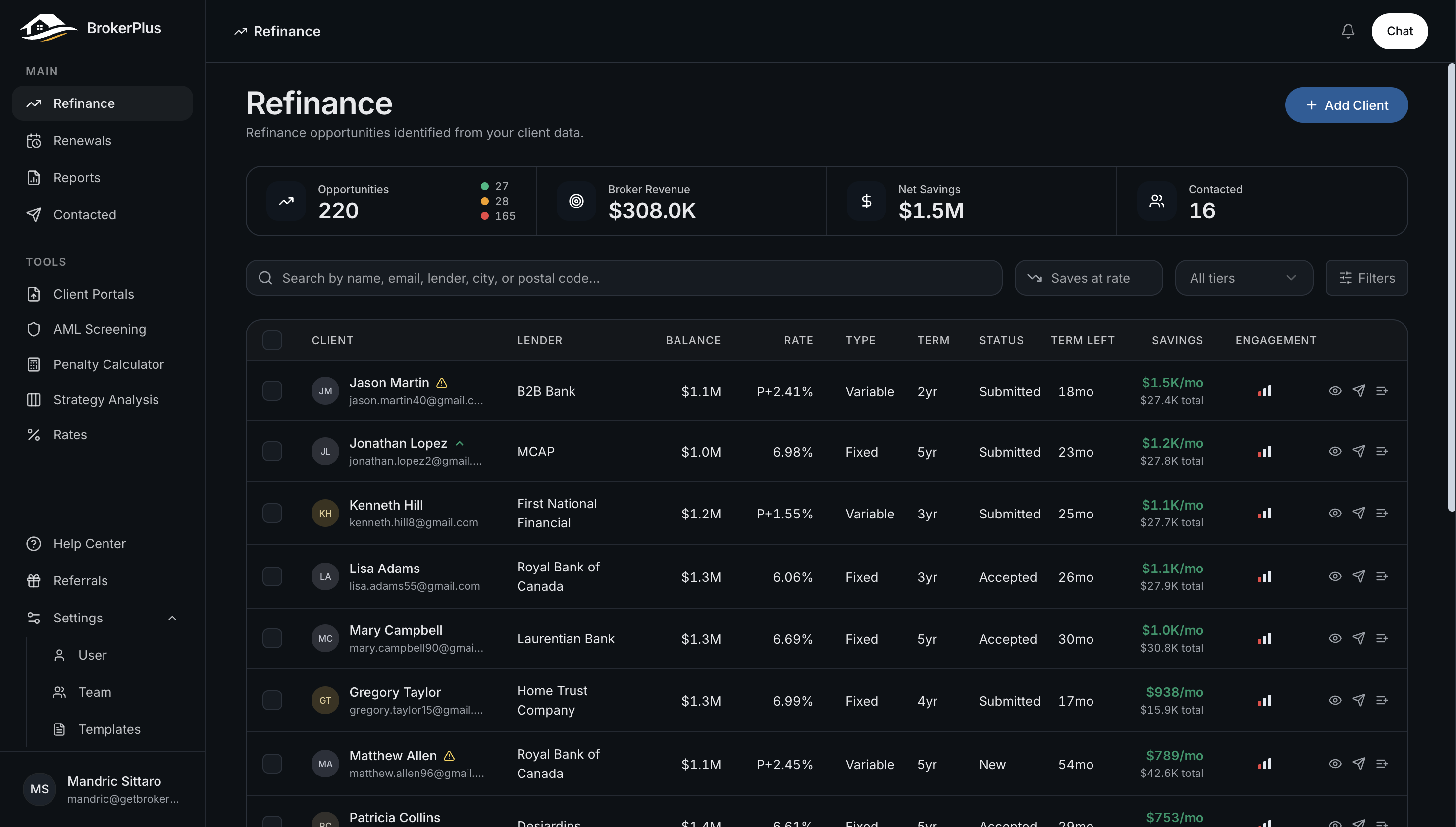
Carbon mode is a darker version of the whole interface, easier on the eyes in low light. Everything you already use looks and works the same, just on a dark background.
Turning It On
Go to Settings, then the Preferences section, and switch on Carbon mode. The change applies right away across every page.
It Is Set Per Device
Your carbon mode choice is remembered on the device and browser you set it on, not on your account. If you sign in from a different computer or phone, that device starts on the light theme until you turn carbon mode on there too.
Switching Back
Flip the Carbon mode toggle off in Settings, Preferences to return to the light theme.
What To Do Next
- Finish setting up your workspace: What The Onboarding Wizard Covers.
- See which alerts land in your inbox: Notifications You'll Receive.