
We only notify you when there's a reason to. Three things trigger a notification in BrokerPlus.
1. Equity Report Updates
When a client updates their valuation, balance, or address from an equity report you sent them, you get a notification.
This is the most actionable notification you'll get. A client touching their equity report means they're engaged. Treat it as a warm signal.
One nuance on the valuation: a client's number no longer overwrites your estimate. We keep it separately as their client perceived value and show you the discrepancy to review, while balance and address changes still flow straight back. See Client Perceived Value.
These same events drive the Interactions metric on the Reports page. See The Reports Page And Managing Monthly Recipients and The Equity Report.
Want these in your inbox too? Turn on Report update email alerts under Settings → Notifications & Reminders and you'll also get an email each time a client changes their valuation, balance, or address. The in-app notification always fires either way.
Same place, you can also turn on Bcc me on recurring reports to get blind-copied on each recurring equity report as it goes out, so a copy lands in your own inbox. It applies only to recurring sends (the automated cadence and "Send recurring report now") - one-time reports and manually sent messages are never copied. It's off by default.
Also in Settings → Notifications & Reminders, Only send reports when the home value has gone up holds a recurring report back unless the property is worth more than it was a full period ago (a month, a quarter, or a year, matching that client's cadence). It's for brokers who only want to be in touch with good news. A few things to know:
- We compare against what the home was worth one full period back, taken from that property's value history - so the check applies to a client's very first report too, not only to clients you've written to before.
- If a property has no value history that far back, we fall back to the value shown on that client's last report. So a client with no history can still be held back, if their last report showed a higher number.
- We only hold a send when we can actually compare two numbers. No current value, or nothing to compare it against, and the report goes.
- One-off sends are unaffected. If you send a report yourself, it goes.
- Only your brokerage's primary broker can change this one, and it's off by default.
2. Custom Renewal Alerts
If you set a custom maturity-month alert (for example, you want to be notified when any client crosses 10 months to maturity), the notification fires the moment a client hits that threshold.
Set up these alerts in Settings. Full walkthrough: Setting Up Custom Maturity-Month Alerts.
3. Renewal No-Reply Follow-Up Alerts
Under Settings → Notifications & Reminders, the No-reply follow-up alert lets you pick one step of your renewal outreach sequence (for example, the 5-month follow-up). If a client still hasn't replied by that step, you get an in-app notification so you can reach out personally. Only the step you choose alerts you, not every step. This one is in-app only - it lands in the bell, top-right, and never sends you an email. Set it to Off to disable it.
4. Recurring AML Screening Flags
When a client's recurring re-screening surfaces new information (a new sanctions hit, a new PEP match, new adverse media), you get a notification. This is how you stay on top of compliance without manually re-checking every client.
See Re-Screening Frequency for how often re-screenings run.
Muting The Ones You Don't Want
You don't have to receive all of these. Under Settings → Notifications & Reminders you can turn off any notification you personally don't want. Your choices are yours alone - muting something for yourself never changes what anyone else on the team receives.
If you're on a team, you start out inheriting the primary broker's notification settings, then trim from there. Turn off the ones you don't care about and keep the rest.
If You're On A Team
By default you only get notifications for your own clients and your own work. The primary broker gets the notifications for the whole book.
The primary broker can turn on Receives team notifications for you, which also sends you the notifications they get - useful if you're an assistant helping keep an eye on everything. Even then, your personal mutes still apply, so you can opt out of any individual notification you don't want. See Inviting Teammates To Your Brokerage.
Where Notifications Show Up
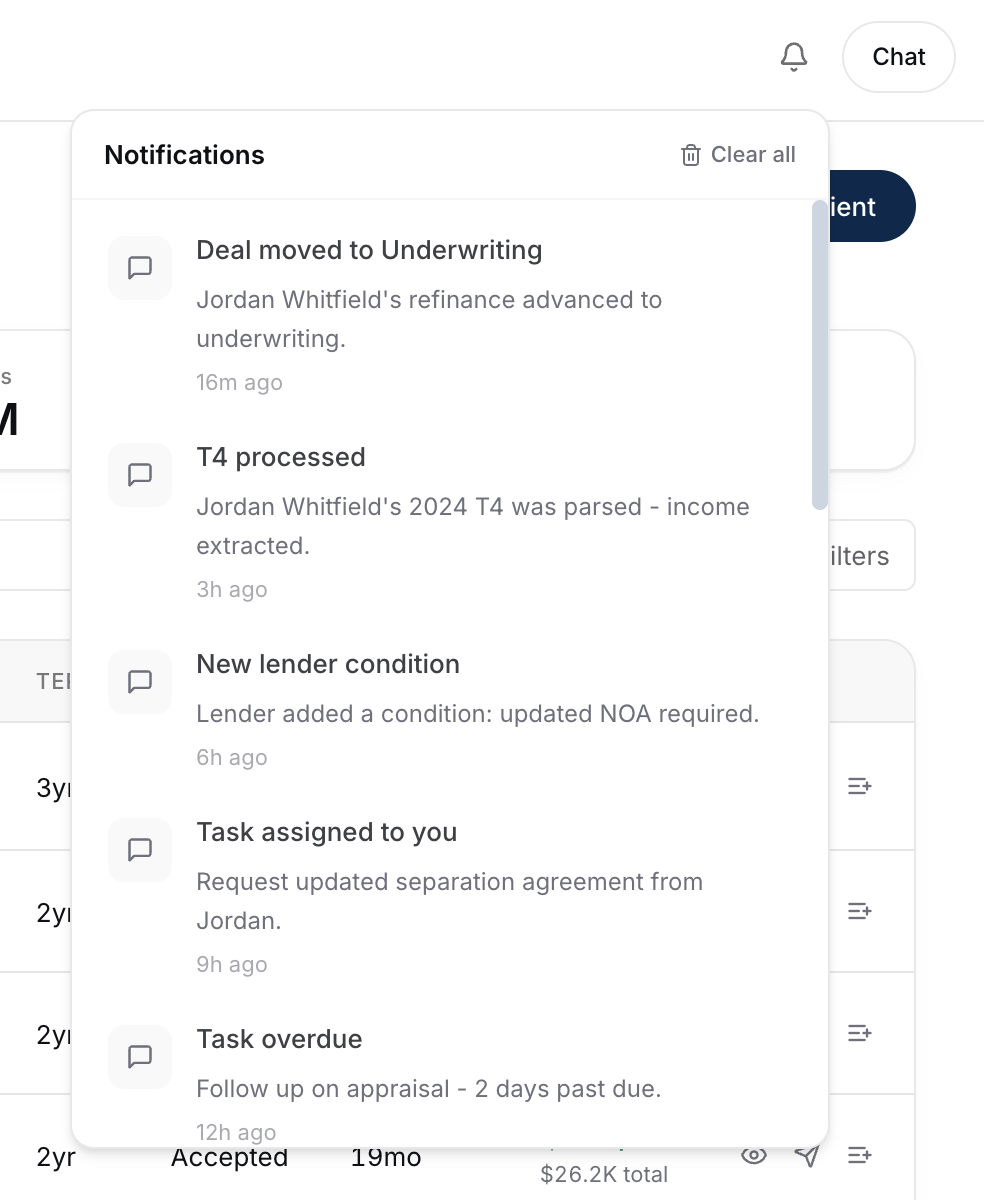
- The bell icon in the top-right of the dashboard. Unread count appears as a badge.
- Real-time - they push to your screen as they happen without a page refresh.
- Click through to land directly on the relevant client or report.
What To Do Next
- Set up a custom renewal alert: Setting Up Custom Maturity-Month Alerts.
- Turn on monthly equity reports for your top clients: The Equity Report.